
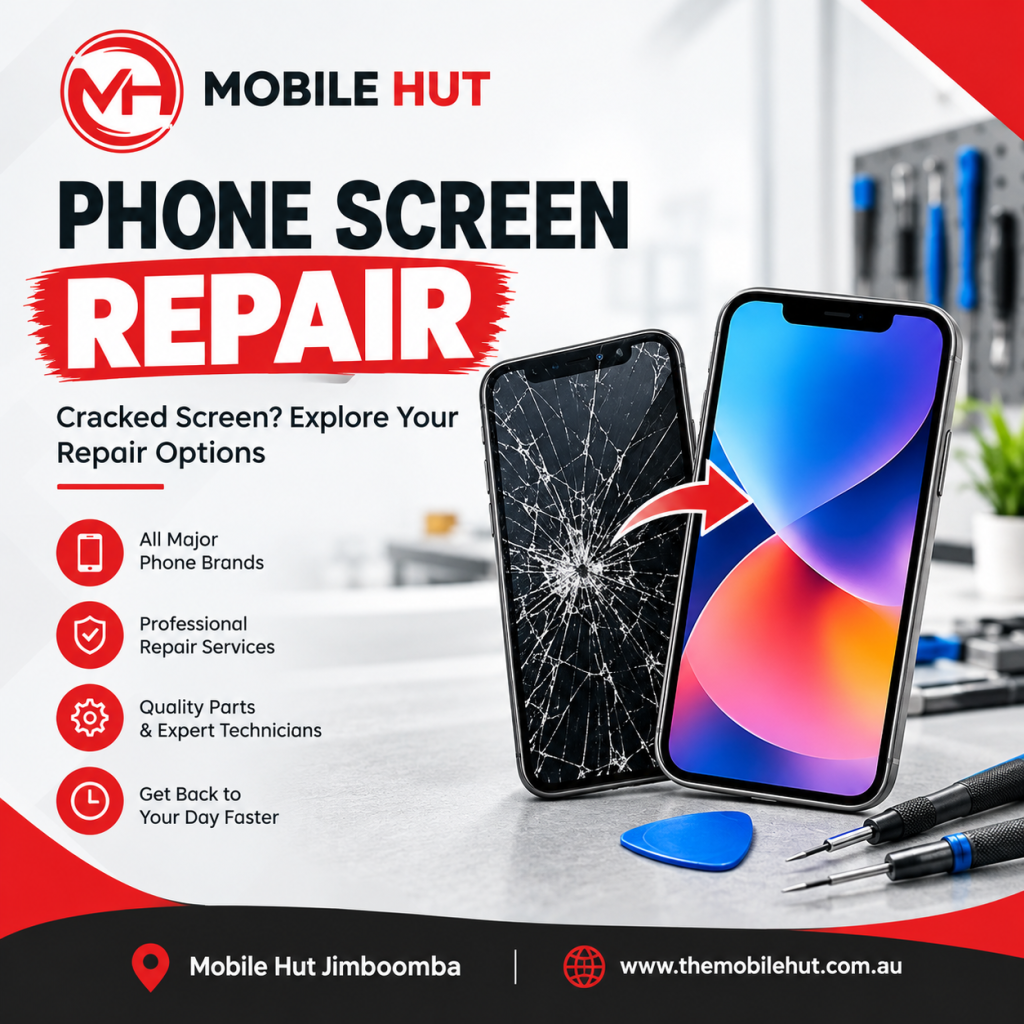
A smartphone has become an essential part of everyday life. From communicating with family and friends to managing work, banking, navigation, photography, and entertainment, we depend on our phones throughout the day. However, accidents can happen at any time. A phone can slip out of your hand, fall from a table, or get damaged inside a bag or pocket. Even a seemingly minor accident can leave the display cracked, scratched, or difficult to use.
When these problems occur, finding reliable phone screen repair shops becomes an important priority. A damaged screen can affect more than the appearance of a smartphone. It may interfere with touchscreen responsiveness, make text difficult to read, and expose internal components to dust or moisture.
Understanding the available repair options can help you make a better decision about restoring your device. Whether you use an iPhone, Samsung Galaxy, or another smartphone, knowing what causes screen damage, when professional repairs are necessary, and how to protect your phone afterwards can save time and unnecessary expense.
For people looking for mobile phone repair services in the local area, Mobile Hut Jimboomba is a relevant option to explore for smartphone and tablet repairs. Choosing a suitable repair service can help you understand the condition of your device and identify the most appropriate solution.
Why Phone Screen Repair Shops Are Important
Modern smartphone displays combine several technologies to deliver sharp images, bright colours, and responsive touch controls. Depending on the device, a screen assembly may include protective glass, a touch-sensitive layer, and an LCD or OLED display panel.
Damage to any of these components can affect the way a phone operates. While some minor scratches are mainly cosmetic, cracks and display faults may interfere with everyday use.
Restoring Everyday Phone Functionality
A damaged screen can make simple tasks surprisingly difficult. You may struggle to type messages, answer calls, open applications, or use the keyboard accurately. In some cases, sections of the touchscreen may stop responding altogether.
Professional phone screen repair shops can assess the extent of the damage and determine whether a screen replacement or another repair is appropriate. Restoring the display can make the phone easier to use without requiring you to purchase a completely new device.
Preventing Further Damage
A small crack may appear harmless initially, but additional pressure or another accidental drop can make it worse. Broken glass can also create sharp edges, while damaged display layers may develop dark spots, coloured lines, or flickering.
Seeking an assessment early can help you understand the condition of your phone and reduce the risk of continuing to use a device with a seriously damaged display.
Making the Most of Your Existing Smartphone
Replacing a smartphone can be expensive, particularly if your current device still performs well. If the main problem is a damaged screen, repairing the existing phone may be a practical alternative.
The right decision depends on the model, repair cost, overall condition, and expected remaining lifespan of the device. A professional assessment helps you compare your options before committing to a repair or replacement.
Common Types of Phone Screen Damage
Not every damaged screen looks the same. Identifying the symptoms can help you explain the problem when contacting a repair shop.
Cracked or Shattered Glass
Cracked glass is one of the most recognisable forms of smartphone damage. It can happen when a phone lands on a hard surface, strikes an object, or experiences pressure inside a bag.
Some cracks remain near the corners, while others spread across the entire display. Even if the phone still works, broken glass can make it uncomfortable to handle and may worsen with everyday use.
A technician can inspect the damage and determine whether the protective glass or the complete display assembly needs replacement.
Black Spots and Coloured Lines
Black patches, vertical lines, horizontal lines, and unusual colour patterns may indicate damage to the display panel. These problems can occur after an impact even when the outer glass appears relatively intact.
If the display suddenly develops these symptoms, avoid pressing hard on the affected area. A professional inspection can help identify whether the screen assembly or another component is responsible.
An Unresponsive Touchscreen
Sometimes a phone displays images normally, but the touchscreen does not respond correctly. You might notice delayed typing, missed taps, or areas that fail to register touch.
Such symptoms may result from physical screen damage, internal connection problems, or software-related issues. A reliable repair shop should assess the cause before recommending a replacement.
Flickering or Dim Displays
A screen that flickers, becomes unusually dim, or displays intermittent images may have a hardware fault or another underlying issue. Although display damage is one possibility, brightness settings, software problems, and internal components can also contribute.
An accurate diagnosis helps prevent unnecessary repairs and ensures the recommended solution addresses the actual problem.
How to Choose Reliable Phone Screen Repair Shops
Choosing a repair provider involves more than comparing prices. You should consider the technician’s experience, the quality of replacement components, the clarity of the quotation, and the repair process.
Check Experience With Your Phone Model
Different smartphone models use different display technologies and internal designs. An iPhone screen replacement may require a different procedure from a Samsung Galaxy repair, while some budget devices have their own specific requirements.
Before booking, confirm that the repair shop can assess your exact make and model. Experienced technicians should be able to explain the available options and identify any limitations associated with the repair.
Ask About Replacement Part Quality
Replacement screen quality can influence brightness, colour accuracy, touch responsiveness, and durability. Components can vary depending on the phone model and the type of replacement being offered.
Ask the repair provider what kind of screen will be installed and whether it is compatible with your device. Understanding these details makes it easier to compare quotations fairly.
Request a Clear Repair Quote
A transparent quotation should explain the expected repair cost and any additional charges that may apply. The price can depend on the device model, the extent of the damage, the availability of parts, and whether other components have been affected.
Avoid choosing a repair solely because it appears to be the cheapest. A clear explanation of the work involved can help you balance affordability with reliability.
Understand the Repair Terms
Before approving a repair, ask about the applicable service terms, any warranty coverage, and the conditions that may affect it. Find out what happens if the original problem continues after the repair.
Clear communication helps you understand what is included and what support may be available if another issue arises.
Phone Screen Replacement or Buying a New Phone?
When a smartphone screen breaks, many people immediately consider buying another device. However, repairing the existing phone may be worth exploring first.
When Screen Replacement Makes Sense
A screen replacement may be a sensible choice when the phone is otherwise functioning properly, its battery remains dependable, and its performance meets your needs.
Keeping your existing device can also reduce the time required to transfer contacts, photographs, applications, and personal settings to a new phone. You may be able to continue using a familiar device without adjusting to a different model.
When Replacing the Phone May Be Better
If your phone has several serious problems, such as a failing battery, damaged charging port, persistent performance issues, and a broken display, repairing every component may not be economical.
Compare the combined repair costs with the price of a suitable replacement phone. Consider software support, storage capacity, battery condition, and your everyday requirements before making a decision.
Compare the Total Value
The cheapest immediate option is not always the best long-term option. Think about how long you expect to use the device, whether it receives important security updates, and whether the repair restores the features you need.
A professional assessment can help you make an informed choice based on the condition of your particular phone.
What to Do Before Taking Your Phone for Screen Repair
Preparing your device before visiting a repair shop can make the process easier and help protect your information.
Back Up Important Data
If your phone still works, back up your photographs, contacts, documents, messages, and other important files. You can use the backup options available through your device or a trusted cloud service.
Although a screen replacement does not necessarily erase data, unexpected complications can occur during electronic repairs. A recent backup gives you an additional layer of protection.
Protect Your Personal Information
Follow the repair provider’s instructions for preparing your device. Ask how your privacy will be protected and whether the technician needs the phone unlocked for testing.
Use available privacy and security features appropriately, and do not share account passwords unnecessarily. If your device is too damaged to back up or unlock, explain this to the technician before the repair begins.
Remove Accessories and Record the Device Condition
Remove your phone case and any accessories that may interfere with inspection. If possible, take photographs of the phone before handing it over. These can help document its condition and any existing damage.
Make a note of any other problems, such as battery drain, charging difficulties, or speaker issues, so that you can explain them clearly during the initial assessment.
Why Screen Repair Quality Matters
A smartphone screen is one of the components you interact with most frequently. Its quality affects typing, scrolling, watching videos, taking photographs, and using applications.
Touchscreen Responsiveness
A properly functioning touchscreen should register taps and gestures accurately. If a replacement screen is unsuitable or incorrectly installed, you may experience missed touches or inconsistent responses.
Discuss the expected functionality with the repair provider and ask whether touchscreen performance will be checked after the repair.
Display Brightness and Colour
Screen technology differs between devices, and replacement components may not all provide identical brightness or colour reproduction. Understanding the available options can help you choose a repair that suits your expectations and budget.
Ask whether the proposed component is appropriate for your particular smartphone rather than assuming that all replacement screens are equivalent.
Careful Installation
Replacing a smartphone screen involves more than removing broken glass. Depending on the model, the process may require careful handling of connectors, sensors, adhesives, and other internal components.
A proper repair process should include suitable testing after installation. The technician may check touch response, display operation, and other relevant functions to identify problems before returning the device.
Phone Screen Repair Services at Mobile Hut Jimboomba
If you are searching online for phone screen repair shops around Jimboomba, choosing a local repair provider can make it easier to discuss your device’s problems and explore the available options.
Mobile Hut Jimboomba is associated with The Mobile Hut, a mobile phone and tablet repair business serving customers who need help with common device problems. Screen damage is one reason smartphone users seek repair services, but a phone may also develop battery, charging port, camera, or other hardware issues.
Getting Help With a Cracked Phone Screen
Before arranging a repair, identify your phone’s make and model and describe what happened. Explain whether the glass is cracked, the display has black spots, or the touchscreen has stopped responding.
Providing these details can help the repair provider understand the issue and advise you about the next steps. It is also worth asking about parts availability, expected turnaround time, and the total cost before authorising the work.
Repair Options for Different Smartphones
Different phones have different repair requirements. Screen replacement options, component availability, and costs can vary considerably between older smartphones, newer flagship devices, and budget models.
Contact the repair provider to confirm whether your particular device can be serviced and what options are available. This helps you avoid unnecessary delays and gives you a clearer understanding of the likely repair process.
More Than Just Screen Problems
A phone that has been dropped may have damage beyond its visible screen. The impact could affect the frame, cameras, buttons, or internal connections.
If you notice additional symptoms, mention them when requesting an assessment. Addressing the full set of problems is important because replacing a screen alone will not necessarily resolve faults caused by other damaged components.
How to Prevent Smartphone Screen Damage
Although accidents cannot always be avoided, a few simple habits can reduce the risk of damaging your phone.
Use a Suitable Protective Case
A well-fitting case can help protect the corners and edges of your phone during everyday use. Raised edges around the display may also provide additional protection when the device is placed face down on a flat surface.
Choose a case designed for your exact phone model so that buttons, cameras, and ports remain accessible.
Install a Quality Screen Protector
A suitable screen protector can help reduce everyday scratches and may offer additional protection against some minor impacts. However, it cannot guarantee that the display will survive a fall, particularly on a hard or uneven surface.
Replace a damaged protector when necessary and ensure it fits properly without interfering with touchscreen operation.
Keep Your Phone Away From Risky Surfaces
Avoid placing your phone near the edge of tables, on unstable surfaces, or in places where it could easily fall. Be particularly careful when using it while walking, climbing stairs, or getting in and out of vehicles.
Keeping your phone in a secure pocket or a dedicated compartment can also reduce the risk of accidental drops and pressure damage.
Avoid Pressure and Extreme Conditions
Do not sit on a phone or place heavy objects on top of it inside a bag. Excessive pressure can damage the screen even without a significant fall.
Extreme heat and sudden temperature changes may also affect electronic devices. Follow the manufacturer’s guidance for storage, charging, and operating conditions.
Frequently Asked Questions About Phone Screen Repair Shops
How do I find reliable phone screen repair shops?
Look for a repair provider with experience working on your phone model, clear pricing, suitable replacement parts, and transparent service terms. Ask questions about the repair process and confirm what testing is included.
Is it worth repairing a cracked phone screen?
Repairing a cracked screen may be worthwhile if the phone otherwise works well and the repair cost is reasonable compared with replacing the device. The best option depends on the model, its age, its overall condition, and the price of the repair.
Can a phone screen be repaired if the display is black?
A black display may indicate serious screen damage, but other hardware or software problems can cause similar symptoms. A technician should diagnose the phone before confirming whether a screen replacement is necessary.
How long does phone screen replacement take?
Repair time depends on the phone model, the extent of the damage, the availability of replacement parts, and the repair provider’s workload. Contact the shop for an estimated turnaround time before arranging your visit.
Does a cracked screen affect touchscreen functionality?
Yes. Some cracked screens continue to respond normally, while others develop dead zones, delayed responses, or completely unresponsive areas. Further damage may also affect display quality.
Conclusion: Choose the Right Phone Screen Repair Shop
A damaged smartphone screen can interfere with communication, work, entertainment, and everyday activities. Finding the right repair service can help you understand the problem, compare your options, and decide whether repairing your existing device is more practical than replacing it.
When evaluating phone screen repair shops, consider the technician’s experience, replacement part quality, repair costs, service terms, and the testing carried out after installation. Preparing your device beforehand and taking steps to protect your personal information can also make the process smoother.
With the right information, careful device handling, and an appropriate repair solution, you can give your smartphone a better chance of remaining useful for longer while avoiding the expense of replacing it unnecessarily.
